
TagCheck
Scam alerts for classified ads
Open a listing on kleinanzeigen.de – TagCheck checks it for typical signs of fraud and shows you with a traffic light what to watch out for.
The extension is currently being reviewed by the stores. Links will follow shortly.
- Free
- No account
- No tracking
How it works
-
Install
Add TagCheck to Chrome, Edge or Firefox. No sign-up, nothing to set up.
-
Open a listing
Open a listing on kleinanzeigen.de as usual. TagCheck checks it automatically and shows a small panel in the top right corner.
-
Read the traffic light
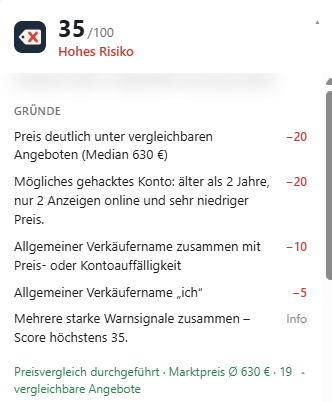
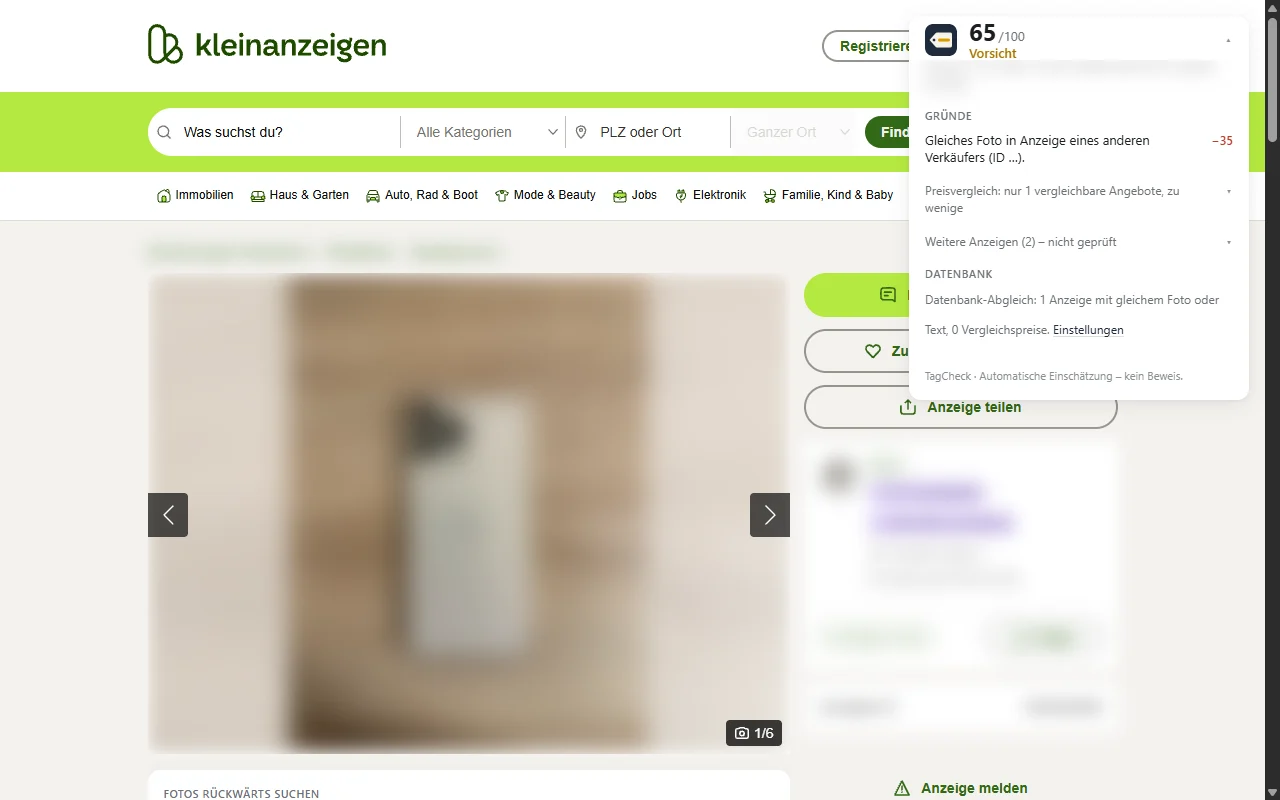
Green, yellow or red, with a score from 0 to 100 and the reasons. You see at a glance where to look more closely.
What TagCheck checks
The rules are based on real scam cases and cover five areas.
Price
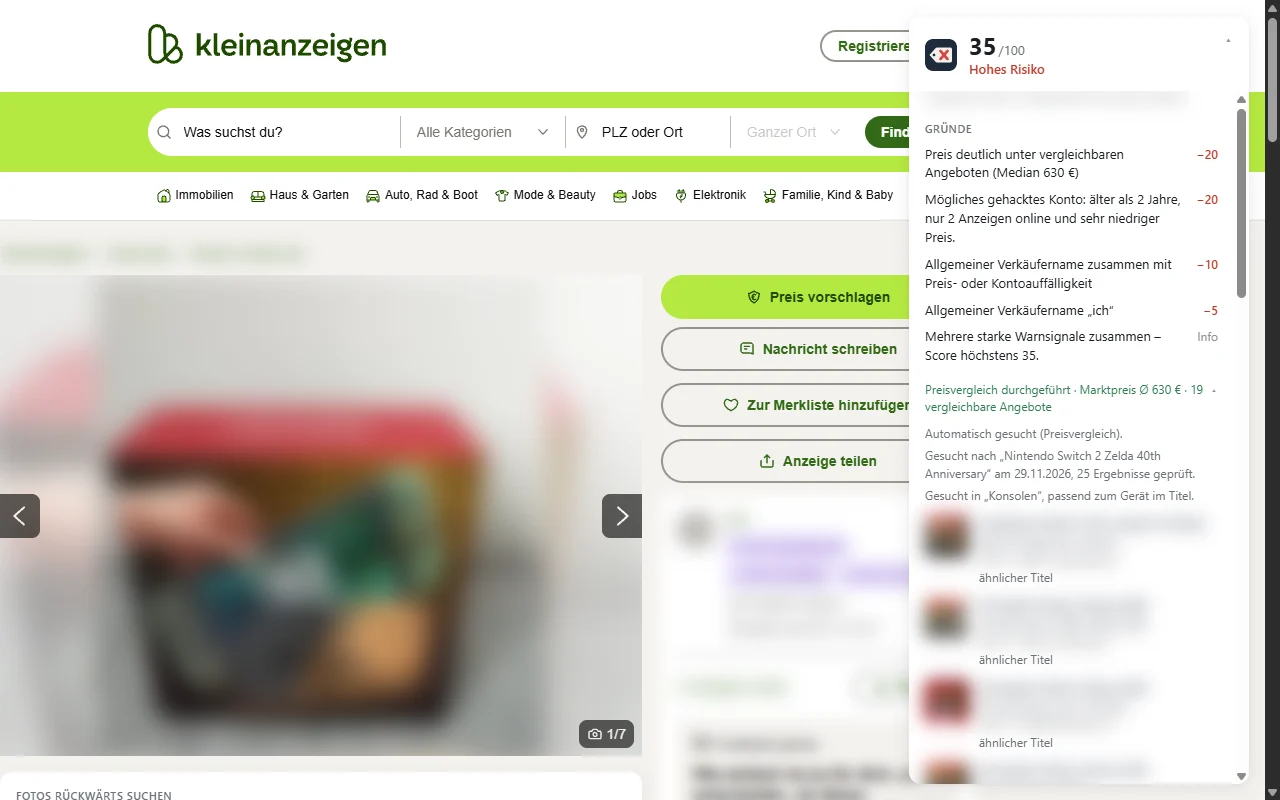
Compares with similar offers and warns if the price is well below the market price. Stricter for new items, not at all for broken ones.
Photos
Finds the same photo used by other sellers and recognises plain manufacturer shots. Reverse image search with one click.
Text
Payment in advance, “friends and family”, contact details, time pressure, sob stories, machine translation and copied text passages.
Seller
Very new accounts without ratings, generic names such as “Privat” and signs of hacked accounts.
In favour
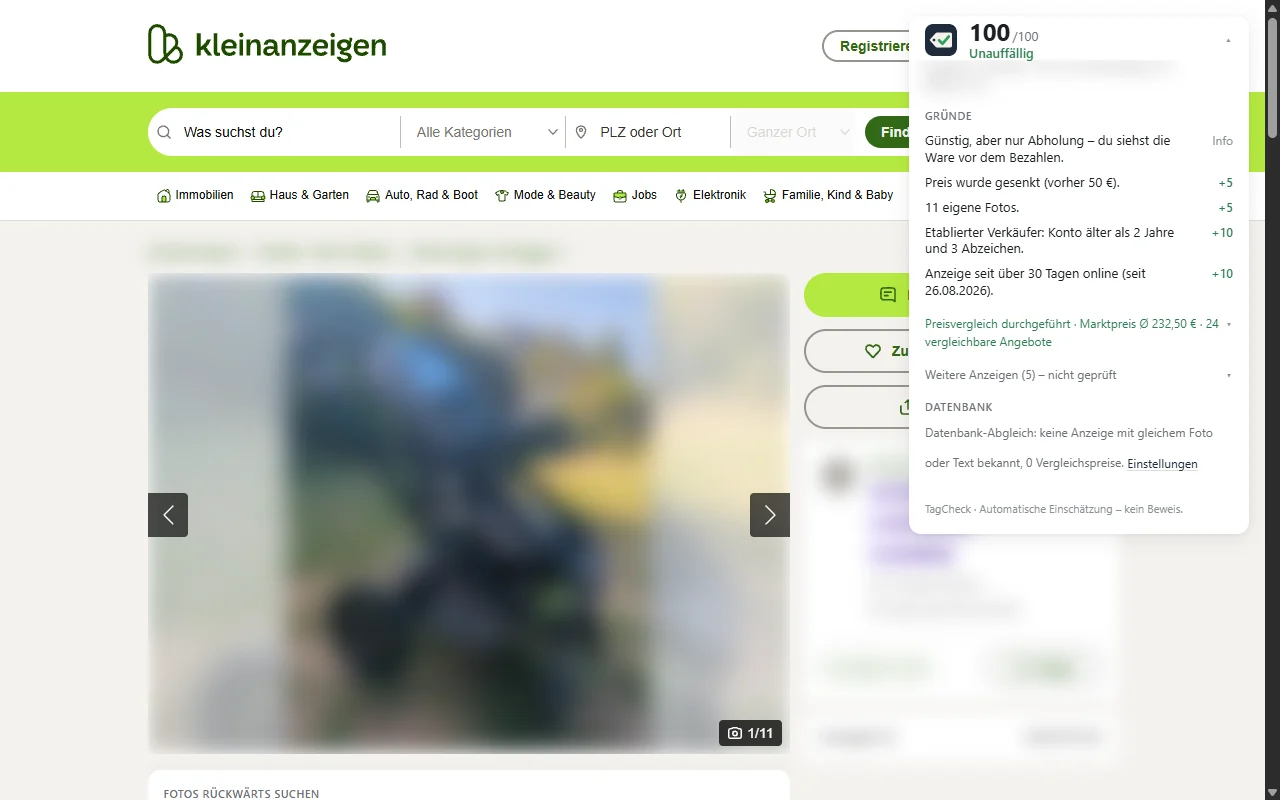
Online for a long time, reduced price, many own photos, established sellers and pickup with “Sicher bezahlen” (secure payment) speak for the listing.
Three examples
This is what the panel looks like (in German). Click to see the whole screen.
Privacy in plain words
TagCheck works almost entirely in your browser. Comparing with other listings only needs checksums.
Stays in your browser
- Photos of the listing
- Title and description
- The seller's name
- Your Kleinanzeigen login
Sent to the server
- Checksums (hashes) of photos, title words and sentences – not the photos or texts themselves
- Listing number, price, category, first two digits of the postcode
- The seller only as a checksum, never by name
- From the price check only the median price
No account, no ads, no cookies. Stored checksums are deleted after 365 days, and “Share anonymous hashes” in the settings turns storing off completely. All details are in the privacy policy.
Frequently asked questions
Does it cost anything?
No. TagCheck is free, without ads and without a subscription. If you like, you can support the project with a coffee.
Is a red light proof of fraud?
No. TagCheck automatically estimates how many typical signs of fraud a listing shows. Red means: look closely, don't pay in advance, prefer pickup or “Sicher bezahlen”. Green is no guarantee either.
Which browsers are supported?
Chrome and Edge (both via the Chrome Web Store) and Firefox, on desktop computers. Other Chromium-based browsers such as Brave or Vivaldi should work as well but are not tested.
Does TagCheck work on my phone?
Not yet. The Kleinanzeigen app does not allow extensions, and mobile browsers are not supported so far.
Is TagCheck made by Kleinanzeigen?
No. TagCheck is a private project and is not affiliated with Kleinanzeigen or the Adevinta group.
How do I report a false alarm?
Send an email to info@tagcheck.info with the link to the listing and what you noticed. Every report helps improve the rules.
TagCheck is a hobby project without ads. If it helped you, I'd be happy about a coffee.
☕ Support the project